 Saikat Roy
Dimly
A free Linux app that controls your external monitor's real backlight over the cable, keeps it in step with your laptop screen, and dims both on a schedule, with a warmth slider for less blue light. Open source, for GNOME on Ubuntu and Linux Mint.
Overview
What it is
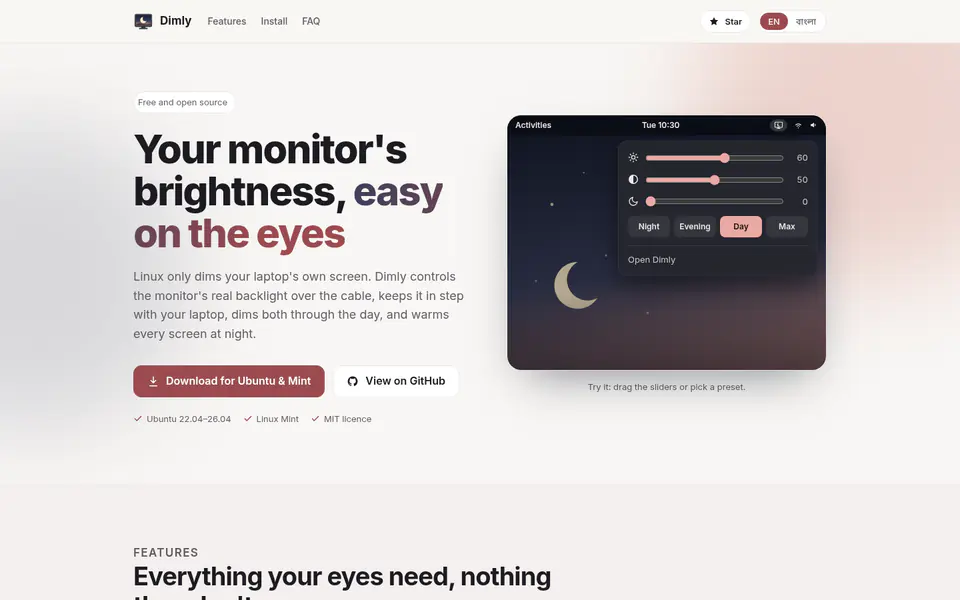
Dimly is a free, open-source (MIT) desktop app for Linux. Linux desktops only dim the laptop's own screen; Dimly controls an external monitor's real backlight over the cable using DDC/CI, so you can stop reaching for the monitor's buttons.
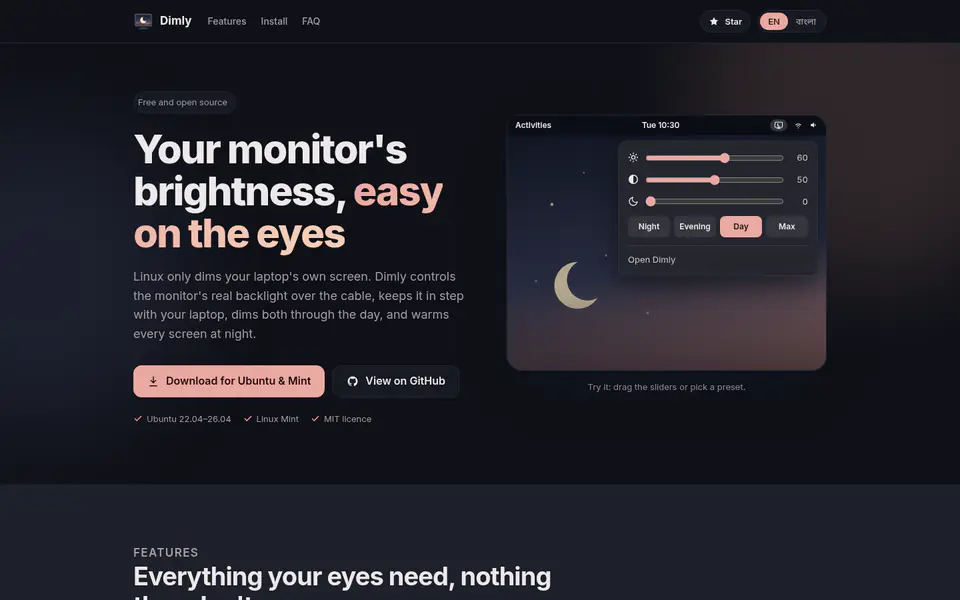
It keeps every screen at the same level. The laptop's brightness keys change the external monitors too, a schedule switches between Night, Evening, Day and Max presets through the day, and a newly connected monitor joins in at the current level. A Warmth slider cuts blue light on every screen through the desktop's own night light, from sunset to sunrise or all the time. Brightness, contrast, warmth and the presets are also one click away from a Dimly menu in GNOME's top bar or Linux Mint's panel, without opening the window.
It's built with Python, GTK 4 and libadwaita on top of ddcutil, with a GNOME Shell extension (in versions for both GNOME 42–44 and 45–50) and a Cinnamon applet for the menu, and systemd services for the background sync and schedule. It ships as a .deb package for GNOME 42 to 50 (Ubuntu 22.04 to 26.04) and Linux Mint's Cinnamon, where laptop sync and the automatic shortcuts aren't available yet. The website and README are in English and Bangla.
Features
What it does
- Brightness and contrast sliders for each monitor, with one-click Night, Evening, Day and Max presets whose levels you can set
- Warmth slider for less blue light on every screen, using the desktop's own night light, from sunset to sunrise or all the time
- Top-bar menu with brightness, contrast, warmth and presets: in GNOME's top bar (right, next to the clock or left) or Linux Mint's panel
- Laptop sync: the laptop's brightness keys change the external monitors too, and the sliders change both
- Schedule that switches preset by time of day; a manual change lasts until the next switch
- Keyboard shortcuts (Super+F6 brighter, Super+F5 dimmer) and a command line (dimly --up, --down, --set, --preset)
- Hot-plug: a newly connected monitor is brought to the current level
- Factory reset for monitors whose backlight stops responding, keeping brightness and contrast
- One-step install from a .deb package, with upgrades that keep your settings, schedule and presets; website and README in English and Bangla
Built with
- Python
- GTK 4
- libadwaita
- ddcutil (DDC/CI)
- GNOME Shell extension
- Cinnamon applet
- systemd
- GitHub Pages
More products by Saikat Roy
- HisabBD →
- Hottogol →
- BD Rail Ticket Alarm →
- Bangladesh Healthcare Search →
- Pujo Guide →
- BD Price Compare →
- SuperV →
- Louder →
- SuperDot →
Want something built?
Tell me what you're building and I'll get back to you.