 Saikat Roy
SuperDot
A free emoji panel for Linux that works like Win+. on Windows: press Super+. in any app, type to search, and the emoji is typed where you were writing. Open source, with packages for Ubuntu, Mint and Debian, Fedora and openSUSE, and Arch.
Overview
What it is
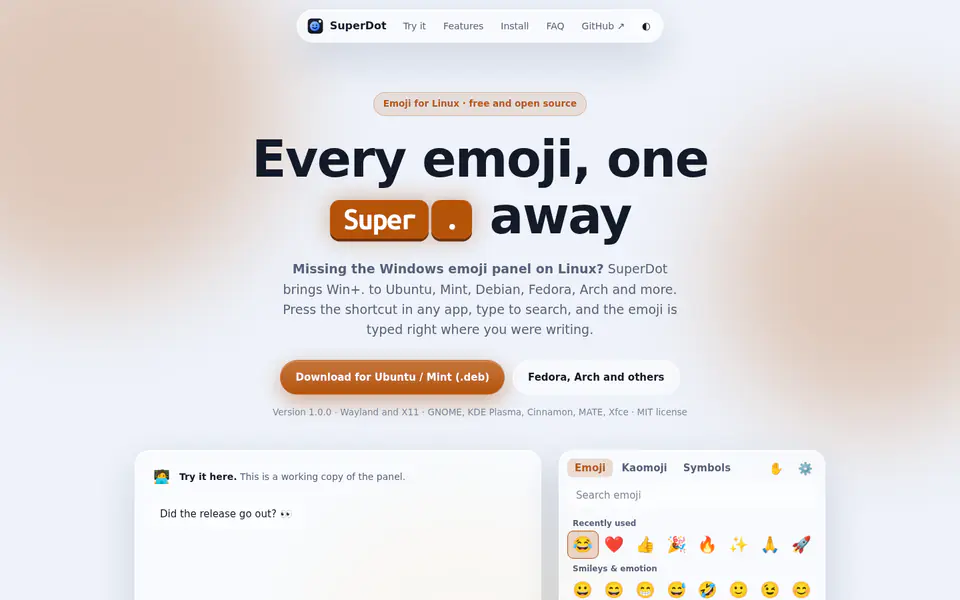
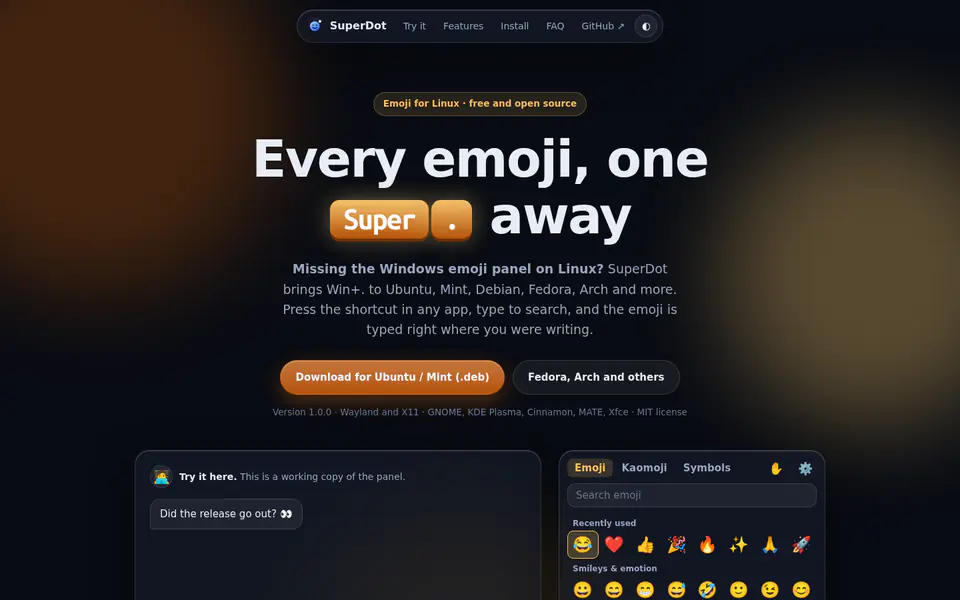
SuperDot is a free, open-source (MIT) emoji picker for Linux, modelled on the Windows Win+. panel. Press Super+. in any app, start typing to search, and pick an emoji: it's typed straight into the app you were using, and the panel stays open so you can pick several in a row.
Alongside emoji it has Kaomoji and Symbols tabs (arrows, currency, math, Greek and accented letters), and one search finds all three at once. Recently used emoji come first, skin tones are a click away, and emoji your font can't draw are hidden. To insert, it briefly uses the clipboard, marked so clipboard managers don't record it, and puts back what you had copied.
It's one small C program on GTK 3 with the Unicode 18.0 emoji list and CLDR search keywords built in, so there are no data files and no network access. It works on Wayland and X11; the shortcut is set up automatically on GNOME, Cinnamon, KDE Plasma 5 and 6, MATE, Xfce, Budgie and Pantheon, and Hyprland, Sway, i3 and COSMIC get the line to add. It ships as a .deb, an .rpm, an Arch package and an install script.
Features
What it does
- Super+. opens the panel in any app; the pick is typed where you were writing
- Search by name or keyword across emoji, kaomoji and symbols at once
- Recently used first, skin tones, and pick several in a row
- Kaomoji and Symbols tabs: shrugs and table flips, arrows, currency, math, Greek and accented letters
- Leaves your clipboard as it was, and clipboard managers don't record the emoji
- Hides emoji your font can't draw, so no empty boxes
- Your own shortcut, System/Light/Dark theme, six colour palettes and a see-through glass panel you can move and resize
- Command line: superdot --insert, --search, --tab and --doctor
Built with
- C
- GTK 3
- X11 / Wayland
- Unicode 18.0 + CLDR
- GitHub Pages
More products by Saikat Roy
- HisabBD →
- Hottogol →
- BD Rail Ticket Alarm →
- Bangladesh Healthcare Search →
- Pujo Guide →
- BD Price Compare →
- Dimly →
- SuperV →
- Louder →
Want something built?
Tell me what you're building and I'll get back to you.